
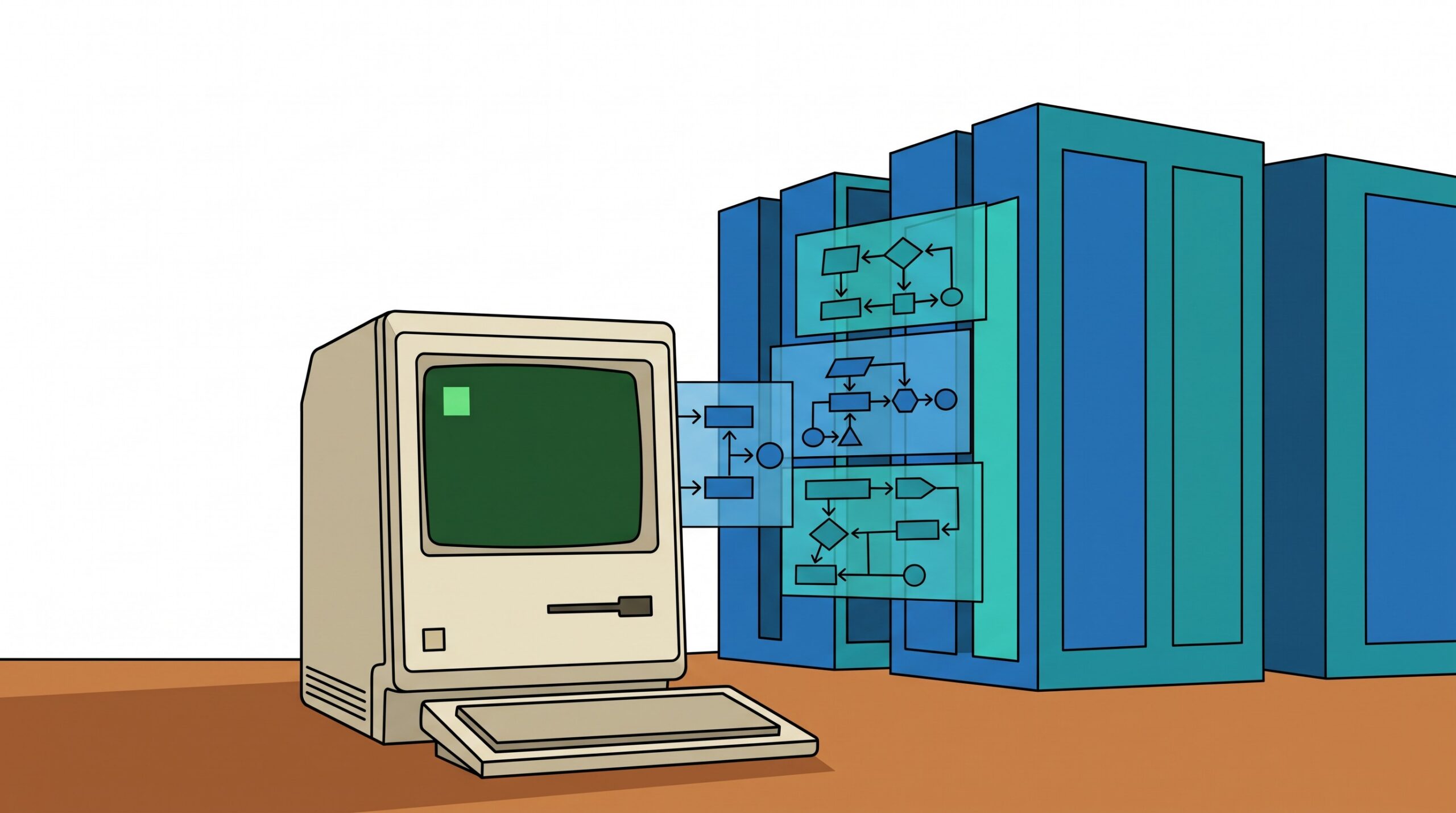
The blinking cursor, again
We have been here before. In the early 1980s, the IBM PC landed on office desks and greeted people with two characters and a blinking cursor: C:\>.
The machine was powerful for its day. Most of the people sitting in front of it had no idea what to type. That did not make the computer useless. It meant the value was locked behind an interface that assumed you already knew what you wanted.
Today’s AI chat box is the same prompt with a far bigger machine behind it. Type a question and you are talking to one of the most capable computing systems ever built. And just like 1982, most people stare at the cursor, type something simple, get a decent answer, and move on without changing how their work gets done.
The interface wasn’t what made computers useful
The popular story says the graphical interface is what brought computers to everyone. Windows and the Mac made computing friendlier, and that mattered. But businesses had already started buying PCs by the thousands before most of them ever saw a mouse.
What drove that buying was Lotus 1-2-3, released in 1983. It ran on plain DOS. It was not easy to learn. It succeeded anyway, because it modeled something accountants and managers already understood: the columnar ledger sheet, with rows, columns, totals and what-if forecasts.
Someone had studied the work before building the tool. The spreadsheet did not ask finance teams to invent a new way of working. It took the way they already worked and made it a hundred times faster. That is the pattern worth remembering: adoption followed the fit to real work, not the friendliness of the screen.
More tools aren’t the answer
The instinct today is to buy our way past the blank prompt. Another AI product for sales. A plugin for document review. A prebuilt assistant for HR. Each promises to turn the supercomputer into something useful out of the box.
Every one of those products is a guess about your work, made by someone who has never seen it. Some guesses are good. Many fit the vendor’s demo better than your actual process, your exceptions, your approvals and your data.
Companies that stack these tools end up where offices were in 1984: plenty of hardware on the desks, and a vague hope that productivity will show up on its own. It rarely does. The gap was never a shortage of software. It was a shortage of understanding about what the software should do.
Start with the problem, not the prompt
An analyst approaches AI the same way they approach any system: by understanding the work before touching the tool. After more than 20 years and 25+ ERP and HRIS implementations, I have learned that the request a team brings you is rarely the problem they actually have.
The method is not new. It is what good business analysis has always done:
- Find the problem behind the request. “We need an AI that writes reports” usually means “we lose two days every month reconciling numbers before anyone can write anything.”
- Map the current process. Who does what, in what order, with which data, and where it breaks or waits.
- Define what done looks like. A measurable outcome, such as hours saved, errors avoided or decisions made faster, not “use AI more.”
- Decide what the AI should do last. Only once the work is clear does it make sense to choose which steps a model handles, which a person handles, and which need no AI at all.
Skip these steps and you get a clever prompt that solves nothing. Follow them and the prompt becomes the smallest part of the solution.
Turning the analysis into layers
The analysis is what designs the layers between the prompt and the person. GUIs were one layer on top of DOS. With AI, there are several, and each one answers a question the analysis already asked.
- Data: What does the model need to know to do this job well? That decides which systems it connects to and which records it can see.
- Steps: What happens in what order? That turns a single prompt into a workflow that runs the same way every time.
- Checkpoints: Where does a person need to review, approve or correct? That keeps judgment where it belongs.
- Interface: What should the employee actually see? Often the answer is not a chat box at all, but a button, a report or a draft waiting in a tool they already use.
When these layers come from the analysis, the AI stops being a novelty and becomes part of how the work gets done. When they come from a vendor’s template, they fit someone else’s work.
An example: reading a job posting like a requirements document
I built ZorviAI by applying this method to a problem I was living: my own job search. The obvious approach, and the one most resume tools take, is keyword matching. Scan the posting, find the missing terms, add them to the resume.
The analysis pointed somewhere else. Skills listed in a job posting are the base requirements, the minimum to be considered. The problems the posting describes are the real requirement, and the reason the employer is hiring at all. Every hiring manager is asking one question: can you solve my problems?
So ZorviAI reads a job posting the way an analyst reads a project brief. It identifies the problems the role exists to solve, then finds where in the candidate’s background they have already solved those kinds of problems. The result is a concise resume that answers the employer’s actual question instead of repeating their vocabulary back to them.
The AI is doing the heavy lifting. The analysis decided what lifting was worth doing.
The translator matters more than the machine
Every leap in computing has needed someone to translate the work for the machine. The spreadsheet needed someone who understood the ledger. The ERP system needed someone who understood how orders, invoices and payroll actually moved through a company.
AI raises the stakes. The machine behind the prompt can now do almost anything we can describe clearly. That makes the ability to describe the work clearly, to find the real problem, map the process and define the outcome, the most valuable skill in the room.
The cursor is blinking again. The companies that win this round will not be the ones with the most AI tools. They will be the ones with people who know what to type, because they first understood the work.